How to Prepare for a Video Interview in 2026
If you are wondering how to prepare for a video interview in 2026, start here: test your camera, microphone and internet the day before, set up a quiet, well-lit space with the camera at eye level, dress as you would for an in-person interview, and do a full practice run on the same platform the employer will use. Most video interviews are lost on small technical problems and on-camera habits, not on knowledge — so preparation here is mostly about removing distractions before the call starts.
Why a Video Interview Is Different
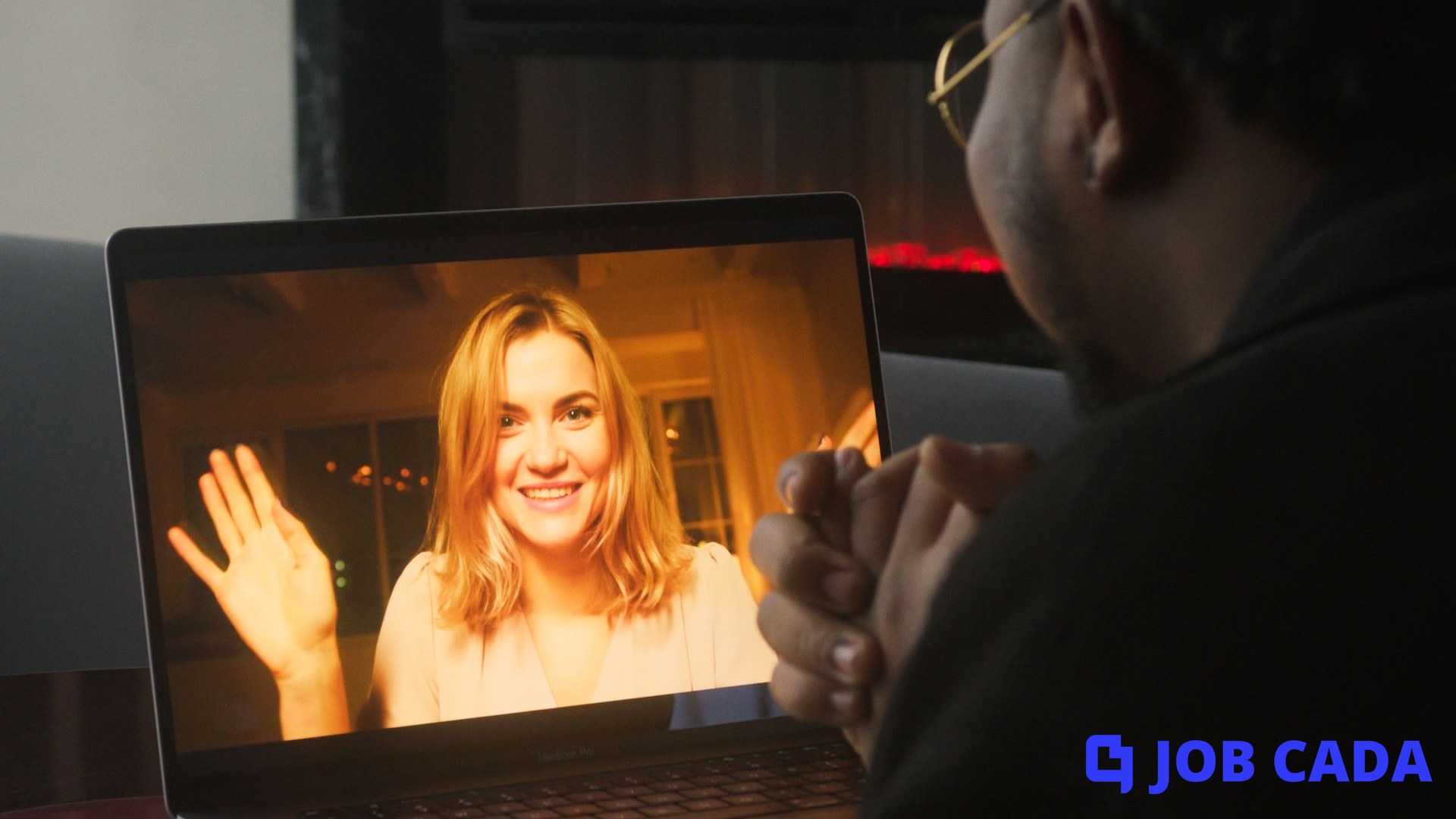
A video interview tests the same things as an in-person interview — your experience, your thinking, your fit for the role — but it adds a layer the interviewer judges whether you realise it or not: how you come across on a screen. A frozen frame, a dark room, or eyes that keep drifting to a second monitor all read as disinterest, even when you are fully engaged.
The good news is that this layer is almost entirely in your control. Unlike a panel interview in a strange office, you choose the room, the light, the background and the equipment. That is the whole advantage of a video interview, and this guide is about using it properly.
If you have already worked through the basics of answering interview questions, this post focuses on the video-specific half. For question preparation, our Job Interview Preparation Guide for 2026 covers the STAR method, common questions and sample answers in detail — read that first if you have not prepared your answers yet, then come back here for the on-camera setup.
How to Prepare for a Video Interview in 2026: The Tech Check
Nothing ends a video interview faster than a technical failure in the first two minutes. Do this check the day before, not ten minutes before the call.
Platform. Confirm which platform the employer uses — Zoom, Microsoft Teams, Google Meet or another tool — and install it in advance. Create a free account if the platform asks for one, and join a test meeting to confirm your camera and microphone are recognised. If the invitation includes a link, open it once before the day so you are not downloading software while the interviewer waits. For platform-specific advice, Zapier’s Zoom interview tips walk through lighting, background and energy on camera in more detail.
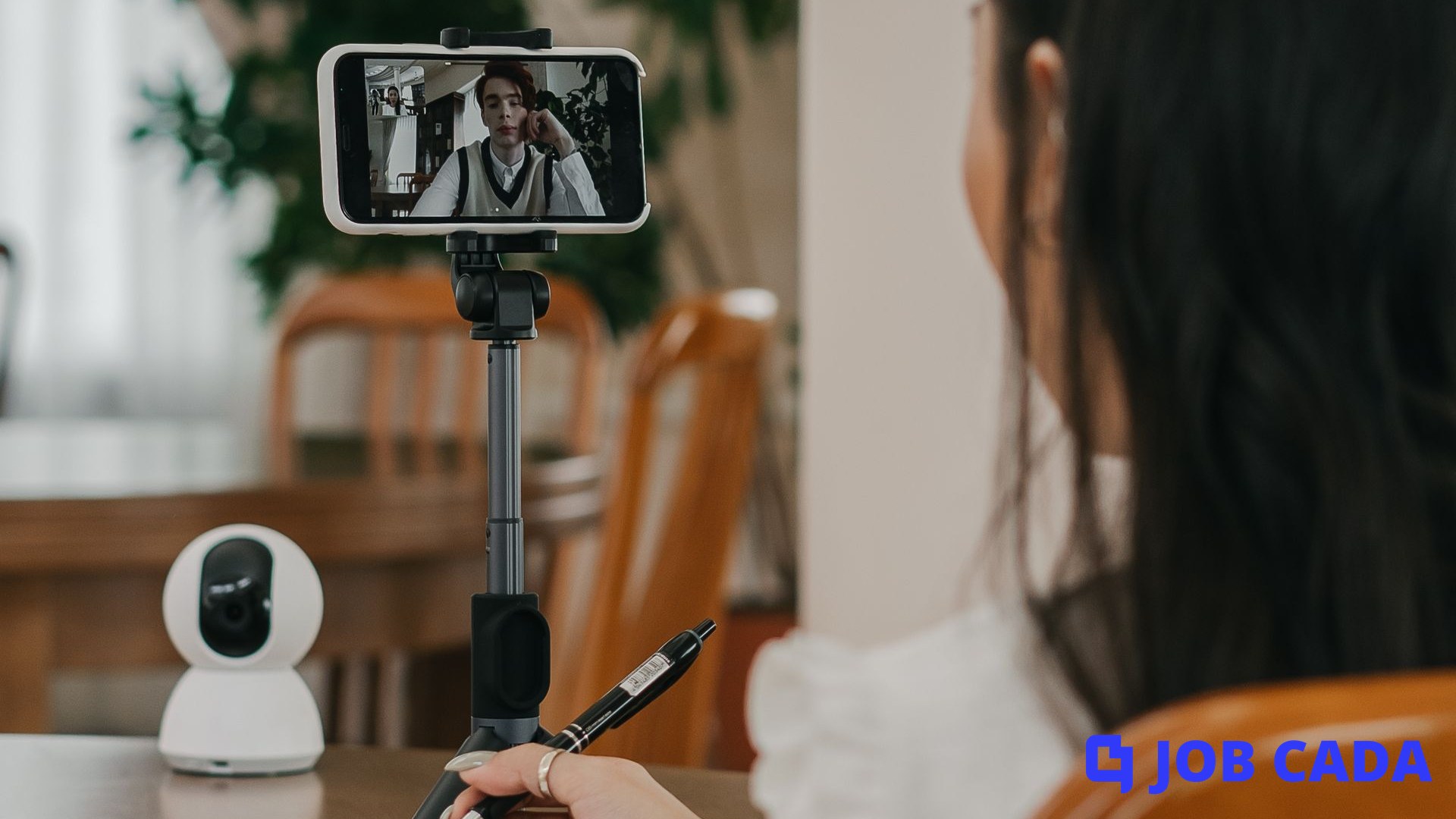
Camera. Use a laptop or desktop webcam rather than a phone wherever possible — it is steadier, and your hands stay free. If you must use a phone, prop it upright on a stack of books or a stand so it does not wobble. Wipe the lens with a soft cloth; a smudged lens is the most common reason candidates look blurry.
Microphone and sound. The built-in microphone on a laptop is usually fine in a quiet room, but a simple wired headset is better — it cuts echo and background noise, and it keeps your voice clear if you move. Test it by recording a short clip of yourself speaking and playing it back. If you hear echo, hiss or room noise, switch to the headset.
Internet. A video call needs a stable connection more than a fast one. Run a test call and watch for freezing or lag. Close file-sync apps, pause large downloads, and ask others in the house not to stream video during your interview. Keep a backup ready: a phone hotspot you have tested once, so you can switch in seconds if the Wi-Fi drops.
Power. Plug the laptop into the charger. A video call drains a battery fast, and a laptop dying mid-answer is entirely avoidable.
For job seekers in Pakistan, this check matters even more. Power cuts and unstable connections are a normal part of working from home in many cities, so plan for them rather than hoping they will not happen: charge the laptop fully, keep mobile data topped up as a hotspot backup, and pick a room away from street noise and household traffic. Mentioning none of this to the interviewer is fine — they will simply see a smooth, professional call. That is the point.
Your On-Camera Setup: Light, Background and Framing
Once the tech works, the next thing the interviewer sees is your picture. Three things decide whether it looks professional: light, background and framing.
Light comes from in front of you, not behind you. Sit facing a window or a lamp. Light from behind turns you into a silhouette, and overhead ceiling light casts shadows under your eyes. The cheapest fix is a desk lamp placed behind the laptop, aimed at your face, slightly above eye level. Test it the way the interviewer will see it: open your camera and look at the preview.
Background should be plain and still. A blank wall, a tidy bookshelf or a closed door is ideal. Clear away laundry, dishes, beds and anything that moves — including pets and family members walking past. A blurred or virtual background is an acceptable fallback, but a real, tidy background looks more natural and never glitches around your hair. If you use a virtual background, test it first: some of them flicker or cut off your hands when you gesture. Carleton University’s career services video interview guide covers the same ground — test call, voice levels, tidy background — and is a useful second opinion before your first video interview.
Camera at eye level, head and shoulders in frame. Stack the laptop on books until the camera is level with your eyes, and sit far enough back that the frame shows your head and shoulders with a little space above your head. A camera looking up at you from below is unflattering and reads as careless; a camera too far away makes you look distant. The preview window is your mirror — use it before the call starts, then stop looking at yourself once it begins.
How to Prepare for a Video Interview in 2026: Looking and Sounding the Part
Dress the way you would for the same job in person. A plain, solid-coloured shirt or top photographs best on camera; avoid busy patterns, thin stripes and bright white, which can shimmer or blow out on a webcam. Dress fully, not just from the waist up — you may need to stand up, and knowing you are fully dressed keeps you from worrying about it.
Body language works differently on camera. Sit upright, lean slightly towards the screen, and keep your hands visible when you gesture — gestures below the frame are invisible, and the interviewer only sees your shoulders moving. Smile when you greet the interviewer and when you finish an answer; a neutral face on a small video tile can look stern even when you feel friendly.
Eye contact is the hardest habit to build, and it matters most. On a video call, looking at the interviewer’s face on your screen means you are looking slightly away from the camera, so to them you appear to be looking down. Train yourself to glance at the camera lens when you are making an important point or answering a key question, then back to their face while listening. It feels strange at first; after a few practice runs it becomes natural. A small sticky note beside the lens with an arrow can remind you where to look.
Your voice needs a little more energy than in person. Video flattens tone, so speak slightly slower and slightly louder than feels natural, and pause briefly before answering a question. That pause does two things: it covers any audio lag, and it stops you from talking over the interviewer. If the connection lags, do not rush — finish your sentence, then stop and let them respond.
Keep your notes where you can see them without looking away from the screen. A few bullet points taped beside the camera or on a small card next to the laptop work well. A full script does not — reading aloud is obvious on camera, and your eyes will give you away. Use the notes for names, dates and the two or three points you most want to make, and glance at them only between questions.
Practice Like It Is Real
A practice run is the single most useful step in how to prepare for a video interview in 2026, and most candidates skip it. Do one full run on the same platform, in the same chair, with the same lighting, and record it if the platform allows.
Watch the recording back once and check five things: is your face well lit and in focus, is the background tidy, is your voice clear, are you looking at the camera when you answer, and are you fidgeting or swaying? Fix the worst one thing, then record one more short answer and check again. Two short runs beat one long rehearsal.
Practise your opening answer out loud — the “tell me about yourself” question that opens most interviews. A clear, confident first minute sets the tone for the whole call. Keep it under ninety seconds, like this:
“I have spent the last three years in customer support, most recently handling billing and account queries for a software company. In that role I learned to explain technical problems in plain language and to stay calm when a customer is frustrated. I am looking for a role where I can use that experience with a larger team, which is what drew me to this position.”
That is a structure, not a script: your background, one concrete strength with evidence, and why this role. Adapt the words to your own history — the interviewer in our Job Interview Preparation Guide for 2026 explains the same structure with a full STAR example you can borrow for longer answers.
If you are applying with no experience yet, the same advice holds — your practice answer should lead with what you have done (a course, a project, volunteer work) rather than apologising for what you have not. Our guide on how to get a job with no experience in 2026 has a full plan for building that answer.
Handling the Awkward Moments
Even a well-prepared video interview can throw up a problem. What matters is how calmly you handle it.
Connection drops. If the call freezes or drops, stay calm, rejoin from the same link, and say: “Apologies, my connection dropped for a moment — could you repeat the last question?” Interviewers are used to this, and a composed recovery counts in your favour.
You cannot hear the interviewer. Say so immediately rather than guessing: “I am sorry, your audio cut out for a second — could you repeat that?” Guessing at a question you half-heard is worse than asking them to repeat it.
An interruption at home. If someone walks in or a loud noise happens, apologise briefly, mute for a moment if needed, and carry on. One short apology is enough; do not spend a minute explaining.
Silence after your answer. On video, silence feels longer than it is. When you finish an answer, stop talking and wait. The interviewer may be writing notes or thinking about the next question. Filling the silence with extra words usually weakens a good answer.
The Day-Before Checklist
Run through this list the evening before your interview, so the morning is calm:
- Platform installed, test meeting joined, camera and microphone working
- Laptop charged and plugged in; phone hotspot tested as a backup
- Room chosen, background tidied, door closed, household told not to disturb you
- Lamp or window light in front of you, camera at eye level, framing checked in preview
- Outfit chosen and laid out; water glass and a pen beside the laptop
- Notes reduced to a few bullet points beside the camera — no full script
- Interview link, interviewer’s name and the job description open or printed
- One full practice run recorded and watched back, worst issue fixed
- Alarm set with thirty minutes to spare; join the call five minutes early
Joining five minutes early is not just polite — it gives you time to check the preview, settle your breathing, and make sure everything still works before the interviewer arrives.
After the Call
The interview does not end when you click “leave”. Send a short thank-you email within a few hours, while the conversation is fresh in the interviewer’s mind. Keep it to three or four lines: thank them for their time, mention one specific point from the conversation, and restate briefly why you are a good fit. Our interview guide includes a ready-to-use thank-you note template you can copy — do not write a long essay, and do not send it from your phone with typos.
Then note down what went well and what you would change, while you remember it. Which questions were hard? Did the lighting hold up? Did you look at the camera enough? That note becomes your preparation for the next interview, and most job seekers need more than one attempt — each one should be visibly better than the last. That is the real payoff of knowing how to prepare for a video interview in 2026: the call itself becomes the easy part.
If this interview came from a role you found on JobCada, keep browsing while you wait. New roles are added regularly — see the latest openings on JobCada’s jobs page — and applying to a few more roles while you wait is sensible, not disloyal. A video interview is a skill, and like any skill it improves with use.
Key Takeaways
- Test everything the day before: platform, camera, microphone, internet and power — and keep a phone hotspot ready as a backup.
- Light your face from the front, keep the background plain and still, and put the camera at eye level with head and shoulders in frame.
- Look at the camera lens for key points, speak a little slower and louder than feels natural, and pause before answering to cover audio lag.
- Practise one full run on the same platform and watch the recording back; fix the worst issue and run it once more.
- If something goes wrong, recover calmly: rejoin, apologise once, and ask the interviewer to repeat the question.
Frequently Asked Questions
How should I prepare for a video interview the night before?
Test the platform, camera, microphone and internet, choose your outfit, tidy the room and background, set the camera at eye level, and do one full practice run. Charge the laptop and keep a phone hotspot ready as a backup, so the morning is calm.
What should I wear for a video interview?
Dress as you would for the same job in person. A plain, solid-coloured top photographs best on camera — avoid busy patterns, thin stripes and bright white. Dress fully, not just from the waist up, in case you need to stand.
Should I look at the camera or the screen during a video interview?
Look at the interviewer’s face on screen while listening, and glance at the camera lens when making an important point or answering a key question. Looking at the lens is what reads as eye contact to the interviewer.
Can I use notes during a video interview?
Yes, but keep them to a few bullet points beside the camera — names, dates and the two or three points you most want to make. Reading a full script aloud is obvious on camera, so use notes as prompts, not as something to read word for word.
What do I do if my internet drops during a video interview?
Stay calm, rejoin from the same link, and say: “Apologies, my connection dropped for a moment — could you repeat the last question?” If the Wi-Fi fails completely, switch to your phone hotspot. Interviewers are used to connection problems; a composed recovery counts in your favour.
Related Reading: If you have not prepared your answers yet, read our Job Interview Preparation Guide for 2026 before your call — it covers the STAR method, common questions and sample answers.